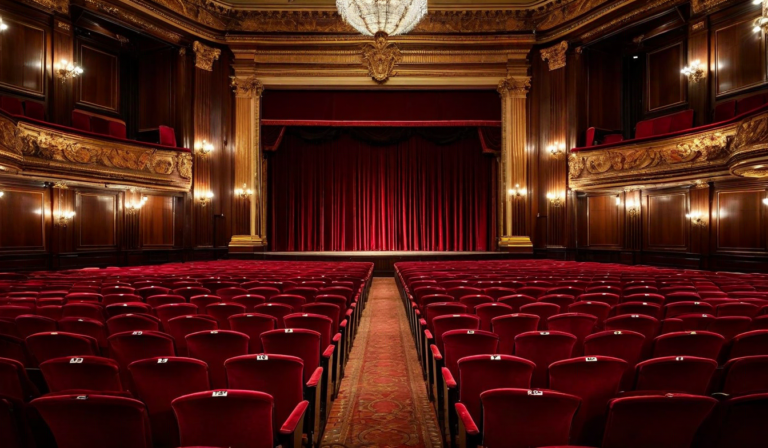
General admission is simpler to set up and works well for many events. But for theaters, seated concerts, corporate conferences, and similar venues, reserved seating is worth the extra setup time. Attendees know exactly where they're going, disputes at the door drop significantly, and check-in becomes faster because ushers can direct people directly to their row.
The challenge is the initial setup. Building a seat map, configuring ticket types per zone, and making sure the scanning logic handles seat validation correctly takes planning. Here's what to think through.
Mapping your venue accurately
Before anything else, you need an accurate seat map. For many venues, this already exists as a floor plan or a previous event's seating chart. If you're working with a venue for the first time, walk the space with a tape measure and count every seat in every row.
The map you build for ticketing purposes should reflect the actual physical layout, including:
- Row labels (letters or numbers) and seat numbers within each row
- Aisle positions — seats adjacent to aisles are often more in demand and can justify a premium
- Accessibility positions — wheelchair spaces, companion seats, and easy-access rows near exits
- Obstructed view positions — columns, pillars, or equipment that affects sightlines
Obstructed seats are a liability if sold at full price without disclosure. Either reduce their price, label them clearly in the booking interface, or hold them back for emergency use. Attendees who sit down and realize their view is blocked by a column are a complaint waiting to happen.
Zone pricing and seat categories
Reserved seating enables zone pricing, which general admission can't support. Typical zones for a theater-style layout:
| Zone | Typical location | Pricing strategy |
|---|---|---|
| Premium / Front | Rows 1–4, center | 15–25% above standard |
| Standard | Rows 5–12, center | Base price |
| Side / Upper | Wing rows, rear center | 5–15% below standard |
| Accessibility | Aisle ends, front rows | Same as equivalent zone |
| Restricted view | Pillar seats, far sides | 20–30% below standard, labeled |
Zone pricing typically adds 8–15% to overall revenue compared to flat general admission, because buyers self-select into higher price points when given the option. Some attendees actively prefer front-row seats and will pay for them without hesitation.
Configuring seat holds
Not all reserved seats should be available for public purchase. Standard holds include:
- Accessibility hold: 3–5% of capacity, held until closer to the event date, then released if not claimed
- Venue/organizer hold: Seats kept for media, sponsors, or last-minute guest needs
- Technical hold: Seats removed from inventory due to equipment, lighting rigs, or camera positions
The accessibility hold is often a legal requirement, not just a courtesy. Polish disability access regulations require venues to provide appropriate access for attendees with mobility limitations. Check the specific requirements for your venue type.
How seat selection affects buyer behavior
When buyers can see and choose seats on a map, purchase completion rates are typically lower than for general admission — the additional decision step causes some buyers to abandon. A few design choices help minimize this:
- Pre-select the best available seats — show buyers a recommended selection, let them keep it or change it. Most keep it.
- Limit the selection window — if a buyer has a seat held in their cart for more than 8 minutes without completing checkout, release it. Indefinite holds are a major source of dead inventory.
- Show remaining seats by zone, not individual seats — "14 seats remaining in Premium" is less overwhelming than a map showing exactly which 14 seats they are.
Scanning with reserved seating
Reserved seating adds a layer to the scanning process: each ticket is now tied to a specific seat, not just event admission. Your scanning setup needs to display the seat assignment on the screen when a ticket is validated — otherwise ushers have no way to direct people to their seats efficiently.
Check that your ticketing platform's scanning app shows seat details at scan time. Some apps only show "valid/invalid" without the seat number, which means you've lost one of the main operational benefits of reserved seating.
The scanning experience is where reserved seating either pays off or creates chaos. The setup investment is wasted if ushers can't read the seat assignment at the gate.
Last-minute seat changes
People ask for seat changes. A companion can't attend and the buyer wants to move to a different row. A couple booked separately and want to sit together. A group bought tickets at different times and their seats are scattered.
Have a clear policy before the event. The least operationally disruptive approach: seat changes can be requested up to 48 hours before the event, handled by your team, no swaps on the day. Communicate this in the booking confirmation email so buyers know the window.
For on-the-day requests, designate one staff member to handle them at a service desk, away from the main entry queue. Trying to manage seat swaps at the scanning gate while a queue is forming behind someone is a recipe for a bad entry experience for everyone.